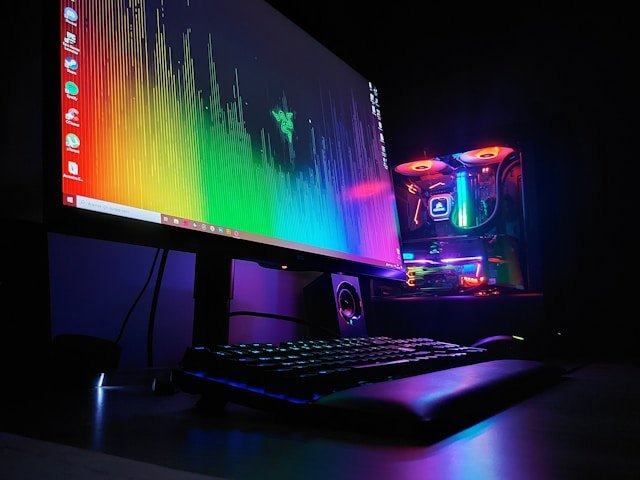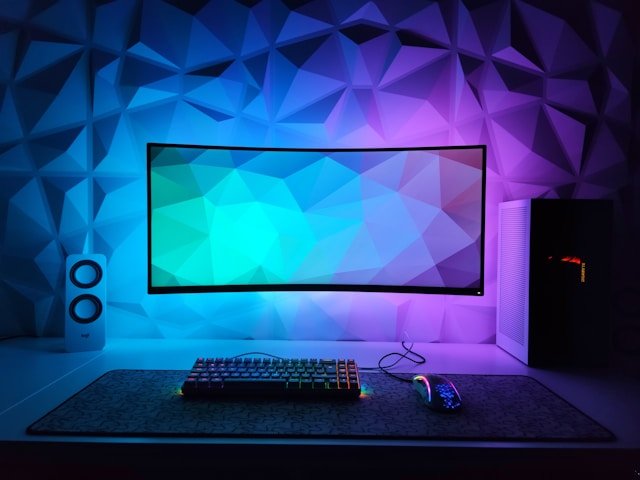
Building the perfect PC gaming setup is a journey that blends raw technology with personal style. It is not just about chasing the highest FPS (Frames Per Second); it is about creating an environment where you can perform at your peak for hours on end. Whether you prefer a minimalist, clean aesthetic or a neon-lit “battlestation,” the core components remain the same. This guide will walk you through every component, from the tower to the mousepad.
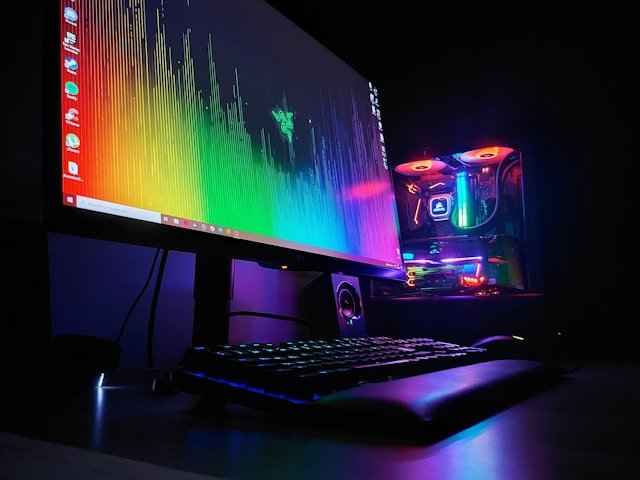
Choosing the Right Graphics Card (GPU)
The Graphics Processing Unit is the heart of your gaming rig. It determines how beautiful your games look and how smoothly they run. If you are aiming for 1080p gaming, a mid-range card like the RTX 4060 or RX 7600 offers excellent value. For 4K gaming with ray tracing, you will need a flagship card like the RTX 4090. We recommend spending the largest portion of your budget here, as it impacts performance more than any other component.
Processor (CPU) and Memory (RAM)
While the GPU renders the visuals, the CPU handles the game’s logic, physics, and AI. Modern games are becoming increasingly CPU-intensive, especially in open-world titles. We recommend a 6-core or 8-core processor for future-proofing. Regarding RAM, 16GB is the absolute minimum, but 32GB is quickly becoming the sweet spot to prevent stuttering and allow for multitasking, such as streaming or having a web browser open in the background.
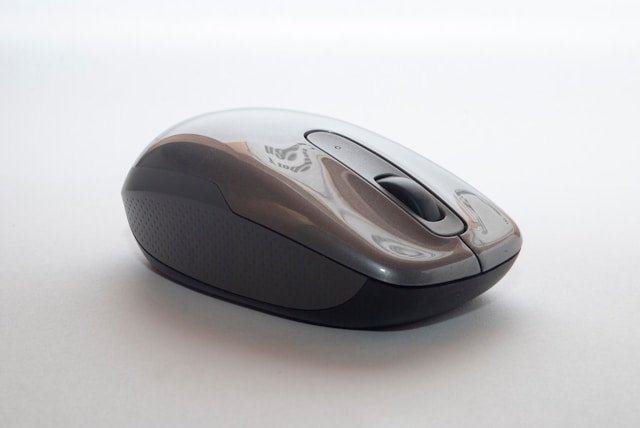
Peripherals: Monitors, Keyboards, and Mice
Your interaction with the game happens through your peripherals, making them crucial for performance. A monitor with a 144Hz or higher refresh rate provides buttery-smooth motion, giving you a significant advantage in competitive shooters. For keyboards, mechanical switches offer tactile feedback. For mice, look for a lightweight design with a high-DPI sensor. Remember, the best specs in the world mean nothing if your monitor has a slow response time.
Ergonomics: The Gaming Chair and Desk
This is the most overlooked aspect of a PC gaming setup. Gamers often spend 8+ hours at their desks. An ergonomic chair with lumbar support prevents back pain. Your desk should be at a height where your elbows are at a 90-degree angle. Cable management is also key—not just for aesthetics, but to prevent dust buildup and ensure proper airflow to your PC components. Check out our Gaming News section for upcoming sales on these essential items.